Most Nigerian secondary school computer labs are dead within three years. Not stolen, not broken beyond repair. Dead. Half the machines will not boot, the internet stopped working when somebody changed a password, nobody remembers who the supplier was, and the room is now used for storage.
This happens because labs get bought instead of built. A donor writes a cheque, twenty machines arrive, someone cuts a ribbon, and nobody ever answers the question of who owns the room on day 400.
When we built a 20-seat lab for a secondary school in Ipele, Ondo State, we designed against that outcome specifically. Here is the whole build, including the parts the school still has to carry.
The site problem
Ipele is not Abuja. Two constraints defined everything:
No fixed-line internet. There is no fibre to pull, and mobile broadband in the area is not dependable enough to run twenty concurrent sessions. Any plan that assumed a 4G router was going to fail in week two.
Grid power that cannot be relied on for a class period. A lesson is forty minutes. If the power drops at minute twelve, you have not delivered a lesson, you have delivered a demonstration of Nigerian electricity.
So the order of work was: power first, connectivity second, machines third. Getting that order wrong is the most common mistake in school ICT projects, and it is the one we spend most time undoing across our education work. Schools buy the computers with the whole budget, then discover there is nothing to run them on.
Power: the actual maths
We sized the system from measured load, not guesswork.
| Load | Draw |
|---|---|
| 20 × small-form-factor desktop | ~1,200W |
| 20 × 22" LED monitor | ~400W |
| Starlink terminal | ~60W |
| Switch, access point, gateway | ~35W |
| Lighting and ceiling fans | ~250W |
| Teacher station and projector | ~300W |
| Sustained total | ~2.25kW |
That gives a sustained draw of roughly 2.25kW, with peaks around 2.6kW during simultaneous startup, which is exactly what happens when twenty students power on at 8:00am.
Our specification:
- Inverter: 5kVA on a 48V bus. We deliberately over-sized past the 3.5kVA the numbers technically permit. Headroom costs a little now and prevents the whole system being replaced when the school adds a printer, a second projector or four more seats.
- Battery bank: roughly 10kWh of usable LiFePO4 capacity, sized for four hours of full lab operation. That is a complete morning of back-to-back lessons with no grid and no sun.
- Solar array: approximately 5kWp. At Ondo's typical peak-sun hours that generates enough to carry the daytime load and refill the bank before the next school day.
Lithium over lead-acid was not a close call. In a school, nobody is going to check electrolyte levels, and a lead-acid bank deeply discharged twice a week will be scrap inside eighteen months. LiFePO4 costs more once and then mostly does nothing except work.
The lab also went onto its own dedicated, surge-protected, properly earthed circuit, separate from the rest of the school's wiring. When a fault takes out the staff room, the lab stays up. That circuit is ordinary infrastructure work, and it is the cheapest part of the build to get right at installation and the most expensive to retrofit.
Connectivity: Starlink, configured properly
Starlink was the correct answer here and it was not a difficult decision. Rural cells in Nigeria generally have capacity, latency is fine for everything a school does, and there is no trench to dig.
It is worth being straight about the trade. Fibre would have been a one-time cost. Starlink is a subscription, forever, and that recurring bill is now a permanent line in the school's budget. We took that deal because the alternative was no connectivity at all, not because it is free of consequences. More on what that means for the school below.
Installing it well is where the work is.
Dish siting. The terminal needs genuinely unobstructed sky. We surveyed for obstruction before mounting, not after. A single tree branch clipping the field of view produces intermittent dropouts that are miserable to diagnose later. Roof-mounted, mechanically secured against harmattan wind, with proper lightning protection and bonding to the building earth. A satellite terminal on a roof in a lightning-prone region without earthing is a liability, not an asset.
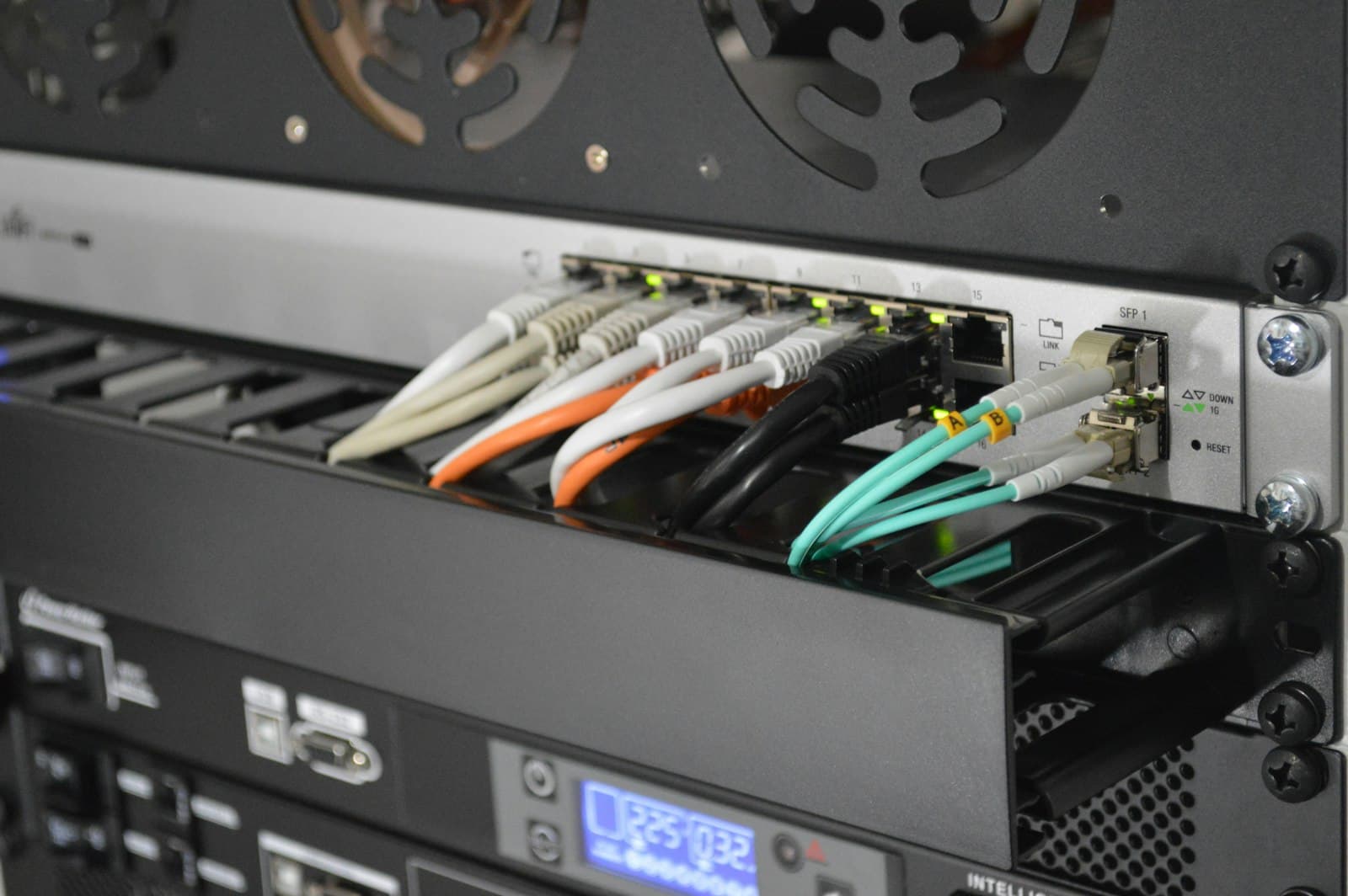
Router in bridge mode. We do not run twenty machines off the Starlink router's built-in Wi-Fi. The terminal is bridged into a proper gateway, which handles DHCP, filtering and traffic policy.
Wired backbone. All twenty workstations are cabled to a managed gigabit switch. Wi-Fi is available in the room for tablets and staff laptops, but the seats themselves are wired. Twenty concurrent students on shared Wi-Fi in one room is a self-inflicted performance problem, and cable is cheap.
Content filtering. Non-optional in a school. DNS-level filtering at the gateway blocks adult content, malware domains and the obvious categories, applied network-wide so it cannot be defeated by using a different browser. The teacher station sits on a separate policy with fewer restrictions.
Bandwidth policy. Per-device rate limiting, so one student pulling a large download does not degrade the room for everyone else, and Windows Update traffic scheduled outside teaching hours.
The machines and the room
Twenty workstations. We specified business-class small-form-factor desktops, the Dell OptiPlex, HP EliteDesk and Lenovo ThinkCentre class of machine, rather than consumer towers. The reasoning is unglamorous and correct:
- Durability. These are built for corporate estates that run them eight hours a day for five years. They tolerate dust and heat far better than consumer hardware.
- Parts and serviceability. Spares are abundant and cheap. A failed power supply is a same-week fix, not a discontinued-model hunt.
- Small footprint and low draw. They pull far less power than a full tower, which directly reduced the solar and battery spend above. The machines paid for part of their own power system.
- Tool-less internals. A trained teacher can swap RAM or a drive without an engineer on site.
Every unit went out on an SSD. For a lab this is the difference between a class that starts on time and a class where the first eight minutes are spent watching boot screens. Eight minutes at the start of five lessons is forty minutes of teaching time gone every day, in a room that only exists to deliver teaching time.
Specification per seat: quad-core processor, 8GB RAM, 256GB SSD, Windows 11 Pro, 22" monitor, wired keyboard and mouse. Wired peripherals, deliberately. Wireless mice in a school lab means twenty sets of batteries to manage and twenty small objects to lose.
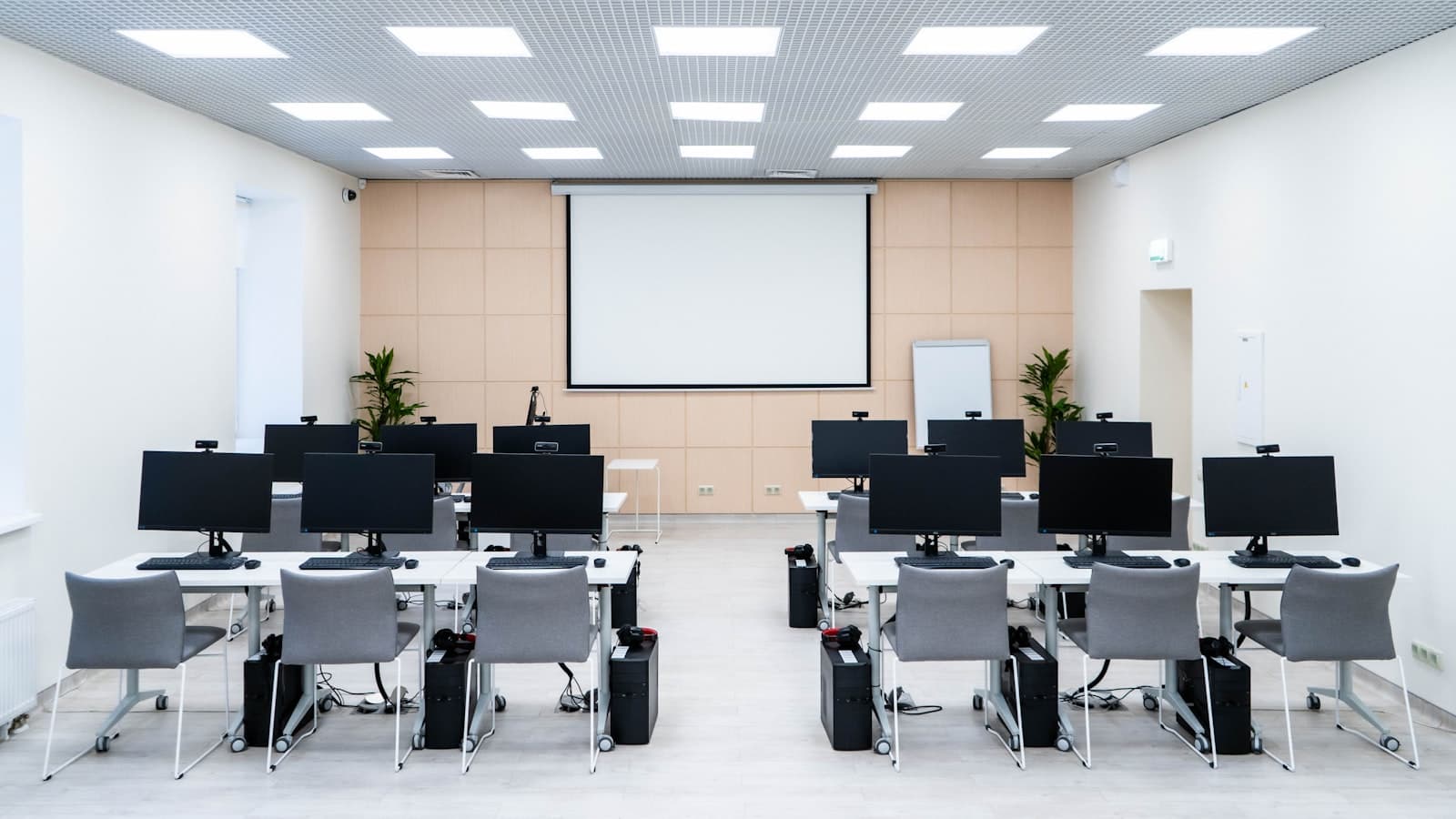
The room itself: workstations in rows facing the board, with a perimeter run so the teacher can walk behind every student and see every screen. Screen visibility is a classroom management tool, not an aesthetic choice. All cabling in trunking, nothing across a floor, nothing a student can pull. Power outlets at desk level, one per seat, on the protected circuit. Teacher station at the front with a projector, on the same network and able to demonstrate to the room.
Software and the golden image
We built one machine exactly as it should be, with the operating system, updates, Office suite, browser, typing tutor, Scratch, Python and the practical software the Computer Studies and Data Processing syllabuses require, then imaged it and cloned that image to all twenty.
Every machine in the room is byte-identical. One problem has one solution, and a badly broken machine can be restored to known-good in under thirty minutes rather than debugged.
Student accounts are standard users with no administrative rights. They cannot install software, cannot change system settings, and cannot break the machine in any way a re-image will not fix in half an hour. The teacher holds a separate account with the rights to actually teach.
The part that keeps it alive
Everything above is the easy half. This is the half that determines whether the lab exists in 2029.
A named custodian. One member of staff owns the lab. Not "the ICT department" in a school with no ICT department. A person, by name, with the passwords, the documentation and the responsibility.
Training that covers failure, not just features. We trained staff on how to use the room, and separately on what to do when something goes wrong: how to restore a machine from the image, how to power-cycle the network stack in the right order, how to tell whether a problem is the machine, the network or the power. Most school lab outages are a router that needed restarting and nobody who knew that.
A documented spares kit held on site. Spare power supply, RAM, SSD, patch cables, keyboard, mouse, power strip. The most common failures, solvable in the building on the day they happen.
A written maintenance schedule. Physical cleaning and dust removal quarterly, because dust is the primary killer of computers in this climate. Battery and inverter check quarterly. Image refresh annually.
Remote support. We can reach the lab remotely for anything that does not require hands, which is most things.
Full documentation handed over. Network diagram, IP scheme, credentials, asset register with serials, warranty dates, and the recovery image itself. Handed to the school, not retained as leverage. A supplier who keeps your documentation is not a partner, they are a hostage-taker.
What the school still has to own
The build is done. Three things now sit with the school, and a case study that did not say so would be selling something.
The Starlink subscription. It is recurring and it never stops. If it lapses, the lab loses its internet and we lose the remote support that depends on the same link, which is precisely when a school most needs both. This belongs in the school's annual budget as a fixed line, not as something someone remembers.
The battery bank, eventually. LiFePO4 is the right chemistry and it will outlast lead-acid by years, but it is not permanent. It has a finite cycle life and it will need replacing. Better to know the year it is coming than to discover it during exams.
A second person who knows the room. A single named custodian is the right design and also a single point of failure. That person can transfer, resign or be off sick during the week something breaks. Name a deputy, give them the documentation, and have them do one restore themselves so it is not the first time when it matters.
None of that is a flaw in the build. It is the part of the build that is made of people and money rather than equipment, and it is the part that decides whether the room is still teaching in 2029.
What the school has now is a room where twenty students can sit down at 8:00am on a Tuesday in Ipele and get a full lesson with working machines and working internet, without a member of staff having to be a technician. That is the whole point, and it was achieved almost entirely by decisions made before anything was plugged in.